


| How to Reprint a Close Report |
Close reports can be reprinted from the Reprint Report tab. Users must have a role of Manager to be able to view and access Closeout functions |
|
|
|

|
Step 1 |
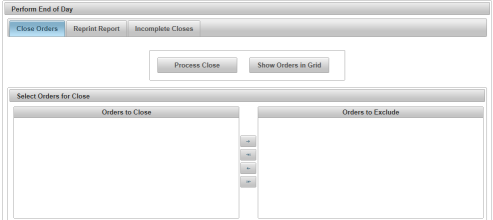
From the Closeout menu, select Perform End-of-Day. Close Orders tab is displayed
|
| Step 2 |
Select Reprint Report tab to display Reprint Report screen
|
| Step 3 |
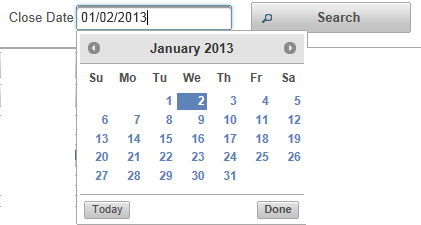
Close Date defaults to current date, or select another date from calendar icon and click Done
|
| Step 4 |
Click Search button
|
| Step 5 |
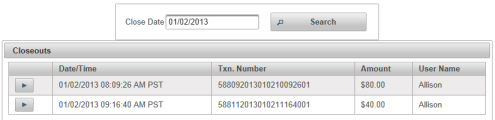
Available closeouts from selected date are displayed
|
| Step 6 |
Click on Date/Time line to select closeout
|
| Step 7 |
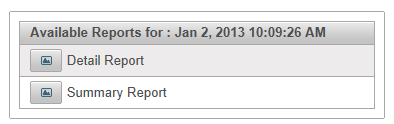
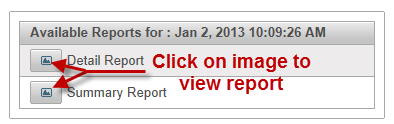
Available Reports for selected date are displayed
|
| Step 8 |
Click on image link to display selected report in .pdf
|


 See Also
Closeout
Perform End-of-Day
Reprint Report